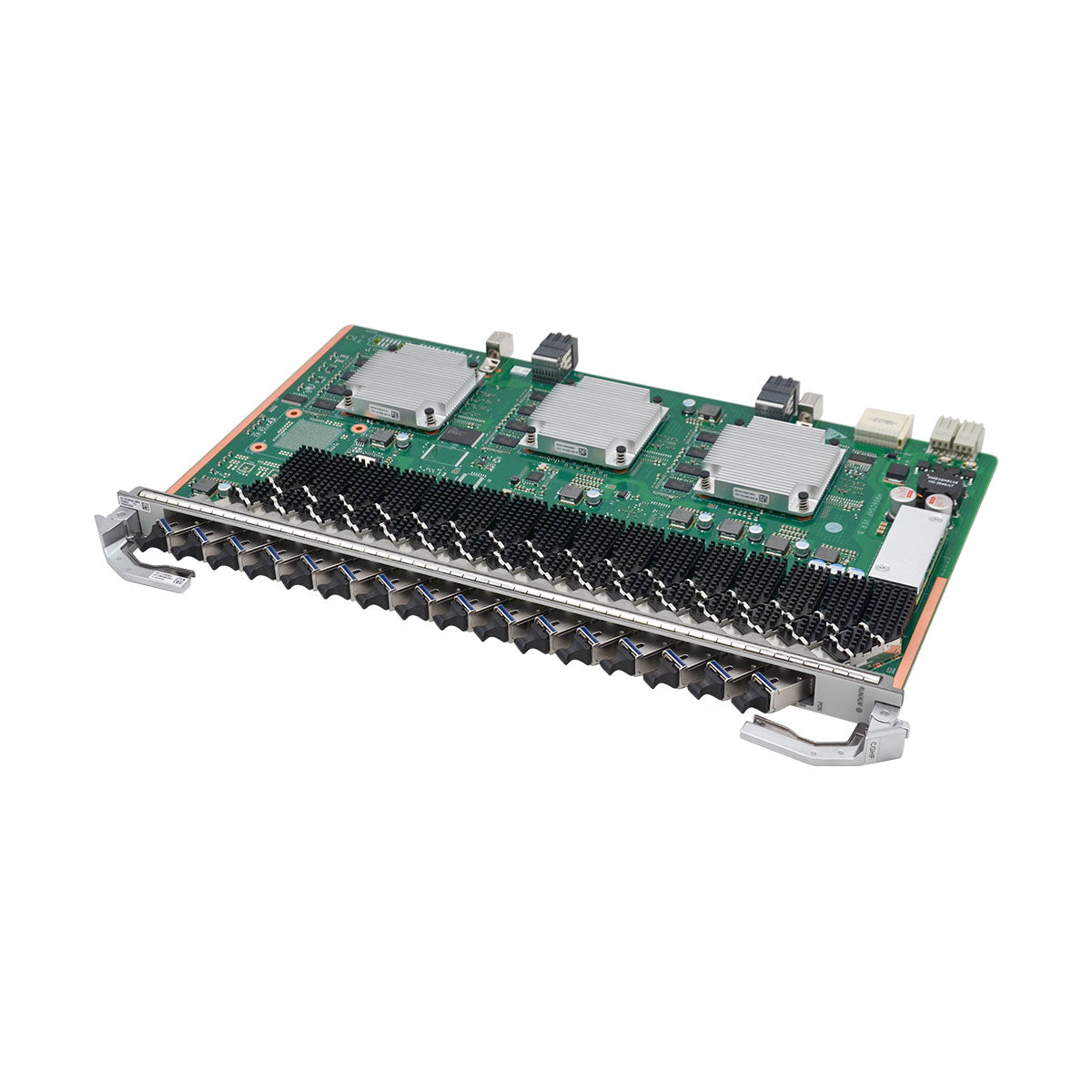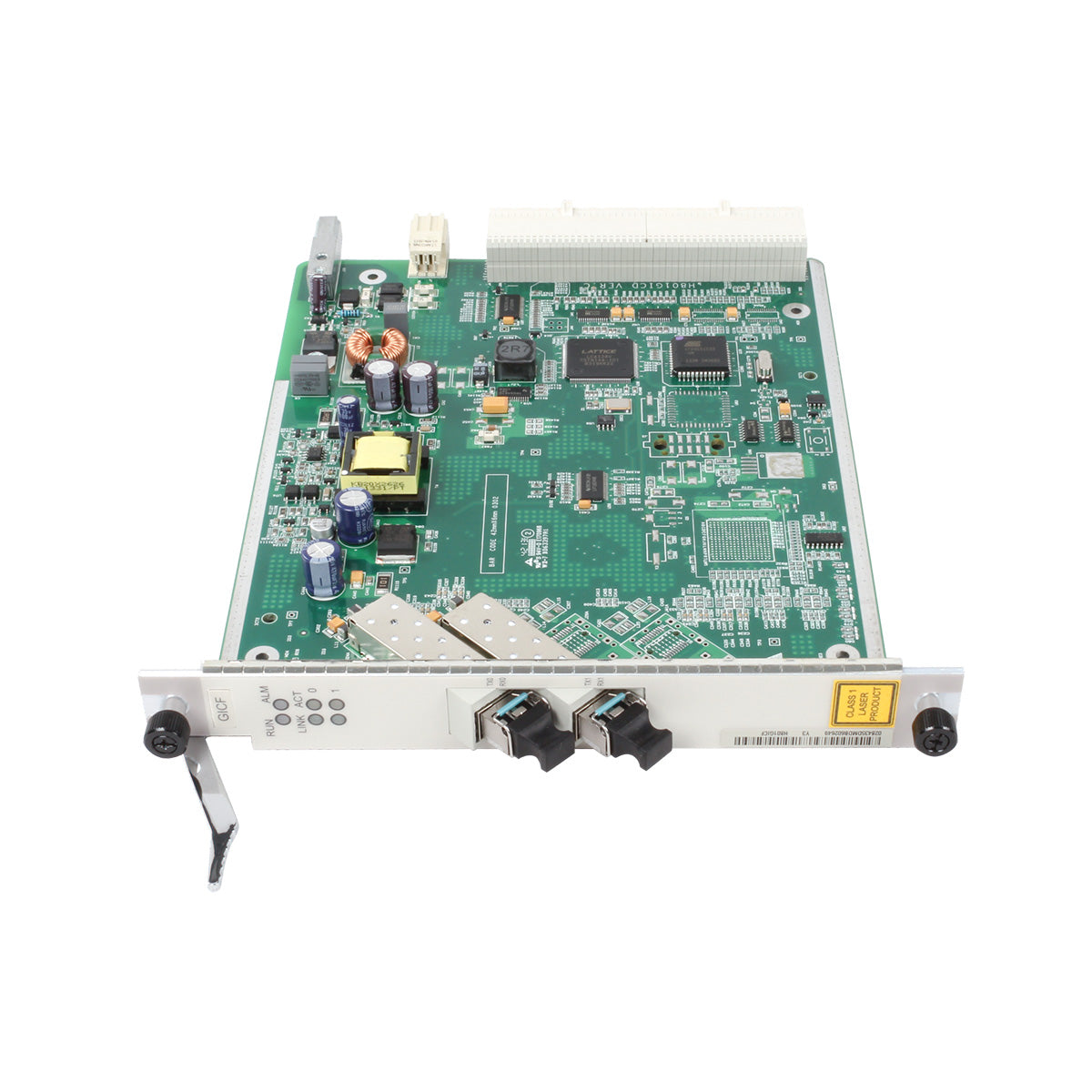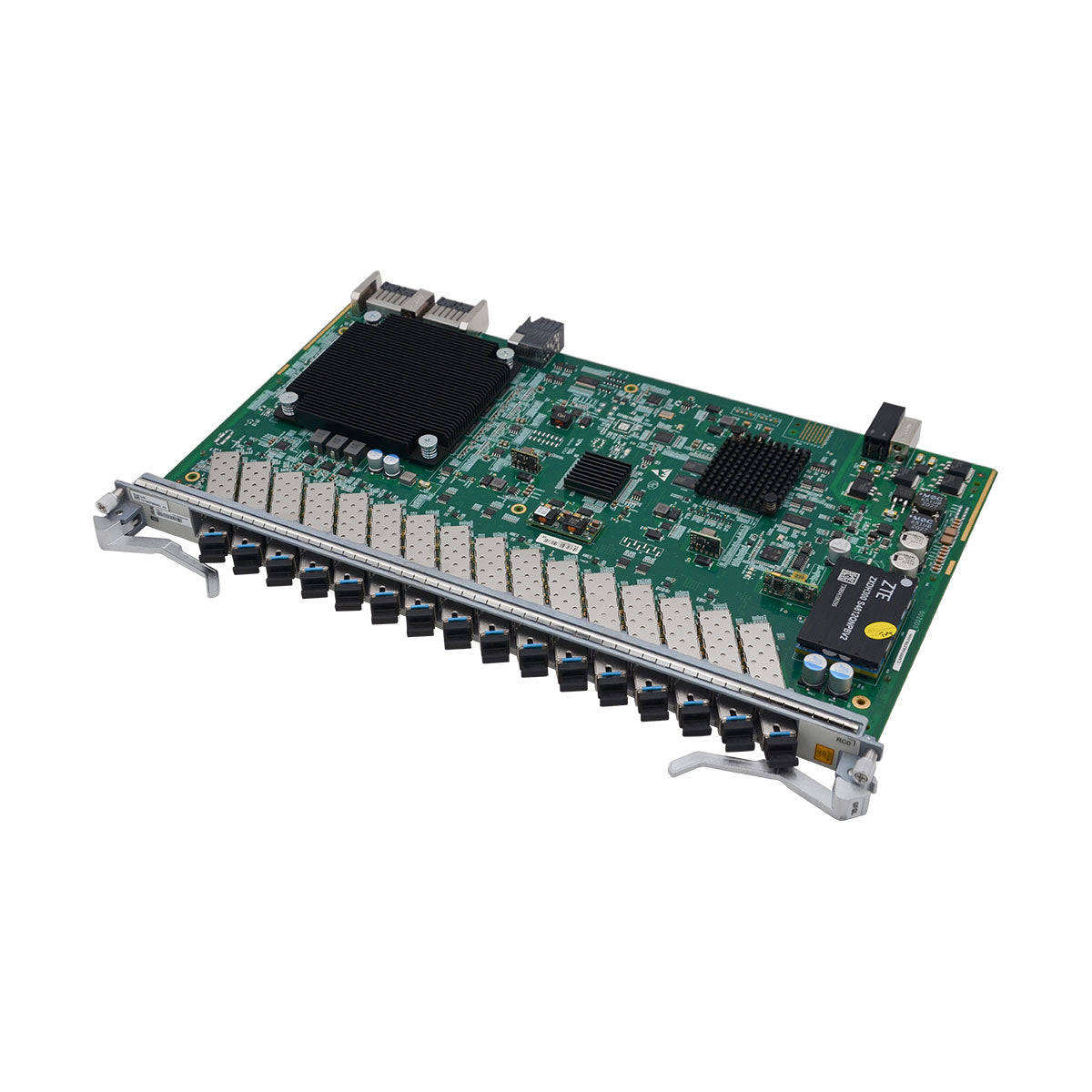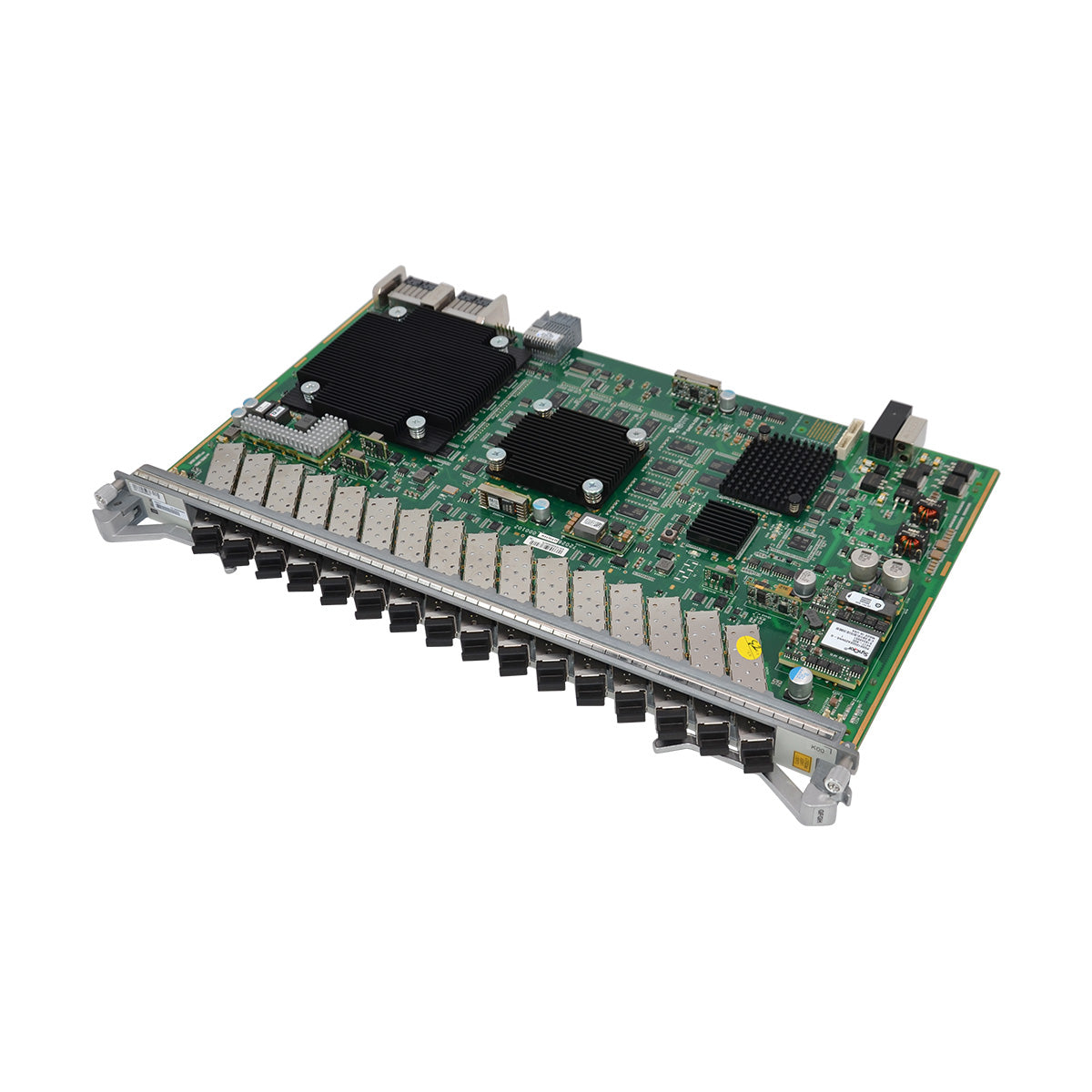




ME0D00L1NB71 (03034MDE: 2-Port 50GBase/1-Port 100GBase-QSFP28 Flexible Card E(BP245-E))
| Item | Details |
|---|---|
| Description | 2-Port 50GBase/1-Port 100GBase-QSFP28 Flexible Card E(BP245-E) |
| Part Number | 03034MDE |
| Model | ME0D00L1NB71 |
| Card type | Flexible Card |
| Silkscreen | BP245-2×50/1×100GBase-QSFP28-E |
| Functions and Features | Description |
|---|---|
| Basic function | Provides two 50G interfaces or one 100G interface for line-rate forwarding. |
| Reliability and availability | Hot swappable. |
| Restrictions and remarks | 1. 10G ports that work in WAN mode support only the master clock mode, not the slave clock mode. The default transmission rate of a port on the subcard is 100 Gbps. If the transmission rate of the used optical module does not match the default port rate, for example, if a 40G optical module is used, run the port split command on the corresponding port to enable port breakout. When the board works with 02312NCX optical modules, the long-term operating temperature of these optical modules ranges from 0°C to 45°C (32°F to 113°F). 2. The two pots in a port group {50GE|100GE port 0, 50GE port 1} share the 100GE bandwidth. In scenarios where a 100GE module is installed on a 50GE|100GE port that has the switch-mode auto configuration, if the 50GE port is down, it is deleted and the 50GE|100GE port switches to the 100GE mode. If the 50GE port is up, the 50GE|100GE port remains in 50GE mode and an optical module mismatch alarm is reported. If a 50GE module is installed on a 50GE|100GE port, a 50GE port is created and the 50GE|100GE port switches to the 50GE mode. 3. If the device or subcard resets when a 100G module is installed on port 0 and a 50G module is installed on port 1, the bandwidth effective mode cannot be guaranteed after the reset. |
| Breakout supported |
Yes. To enable the breakout function on a port, run the port split command. |
| Interface rate auto-sensing supported | No |
| FlexE supported | No |
| MACsec supported | No |
| Functions and Features | Description |
|---|---|
| Basic function | Provides two 50G interfaces or one 100G interface for line-rate forwarding. |
| Reliability and availability | Hot swappable. |
| Restrictions and remarks | 1. 10G ports that work in WAN mode support only the master clock mode, not the slave clock mode. The default transmission rate of a port on the subcard is 100 Gbps. If the transmission rate of the used optical module does not match the default port rate, for example, if a 40G optical module is used, run the port split command on the corresponding port to enable port breakout. When the board works with 02312NCX optical modules, the long-term operating temperature of these optical modules ranges from 0°C to 45°C (32°F to 113°F). 2. The two pots in a port group {50GE|100GE port 0, 50GE port 1} share the 100GE bandwidth. In scenarios where a 100GE module is installed on a 50GE|100GE port that has the switch-mode auto configuration, if the 50GE port is down, it is deleted and the 50GE|100GE port switches to the 100GE mode. If the 50GE port is up, the 50GE|100GE port remains in 50GE mode and an optical module mismatch alarm is reported. If a 50GE module is installed on a 50GE|100GE port, a 50GE port is created and the 50GE|100GE port switches to the 50GE mode. 3. If the device or subcard resets when a 100G module is installed on port 0 and a 50G module is installed on port 1, the bandwidth effective mode cannot be guaranteed after the reset. |
| Breakout supported |
Yes. To enable the breakout function on a port, run the port split command. |
| Interface rate auto-sensing supported | No |
| FlexE supported | No |
| MACsec supported | No |