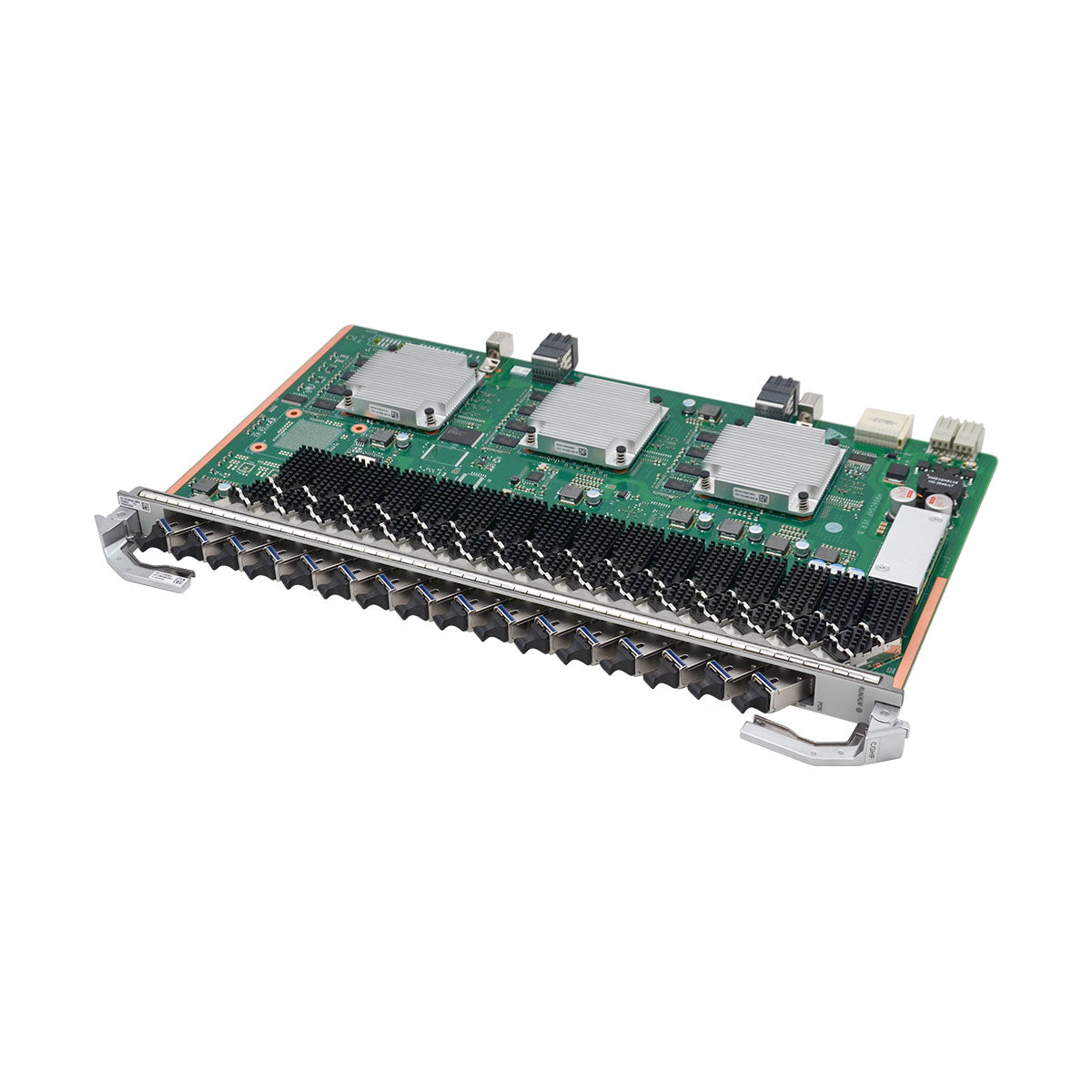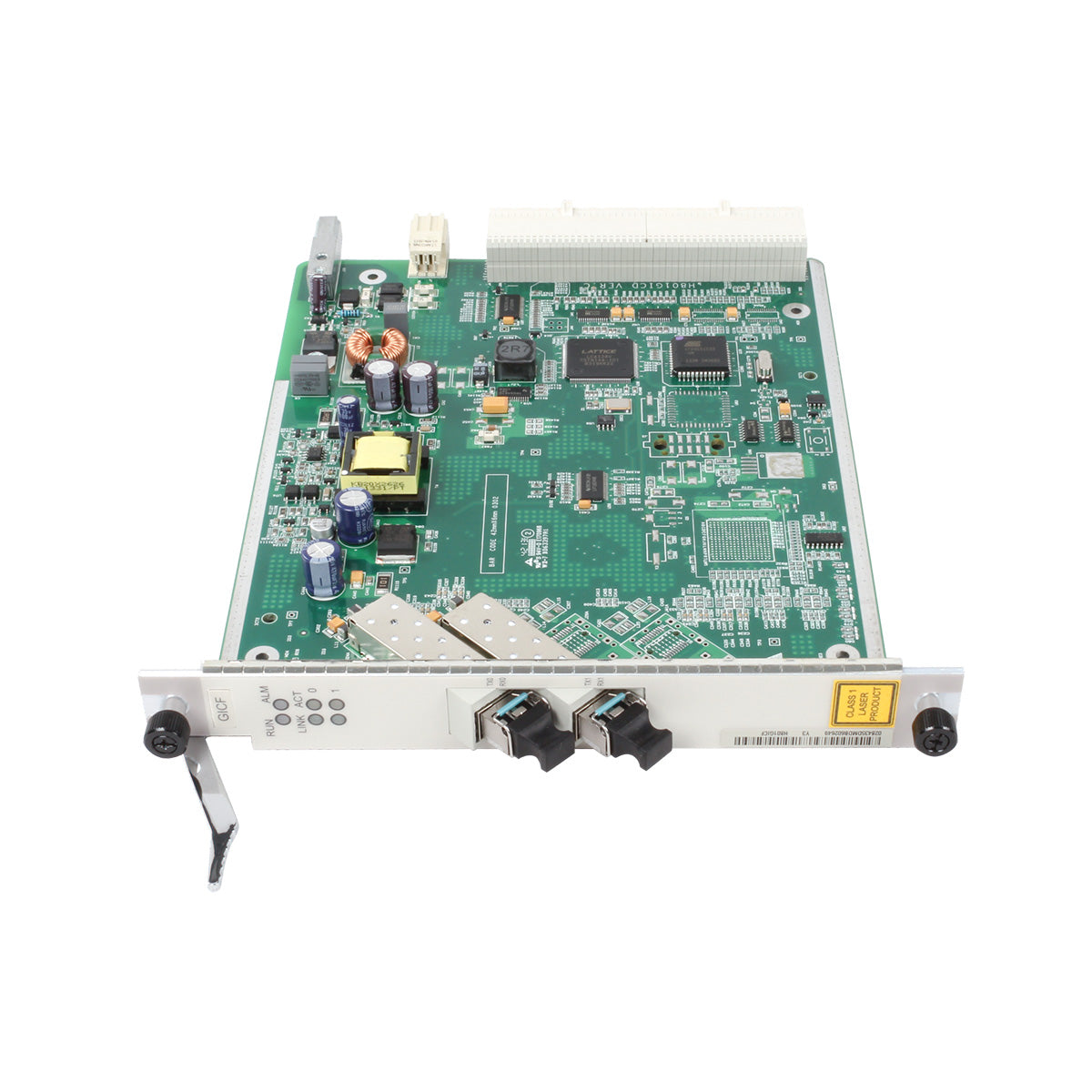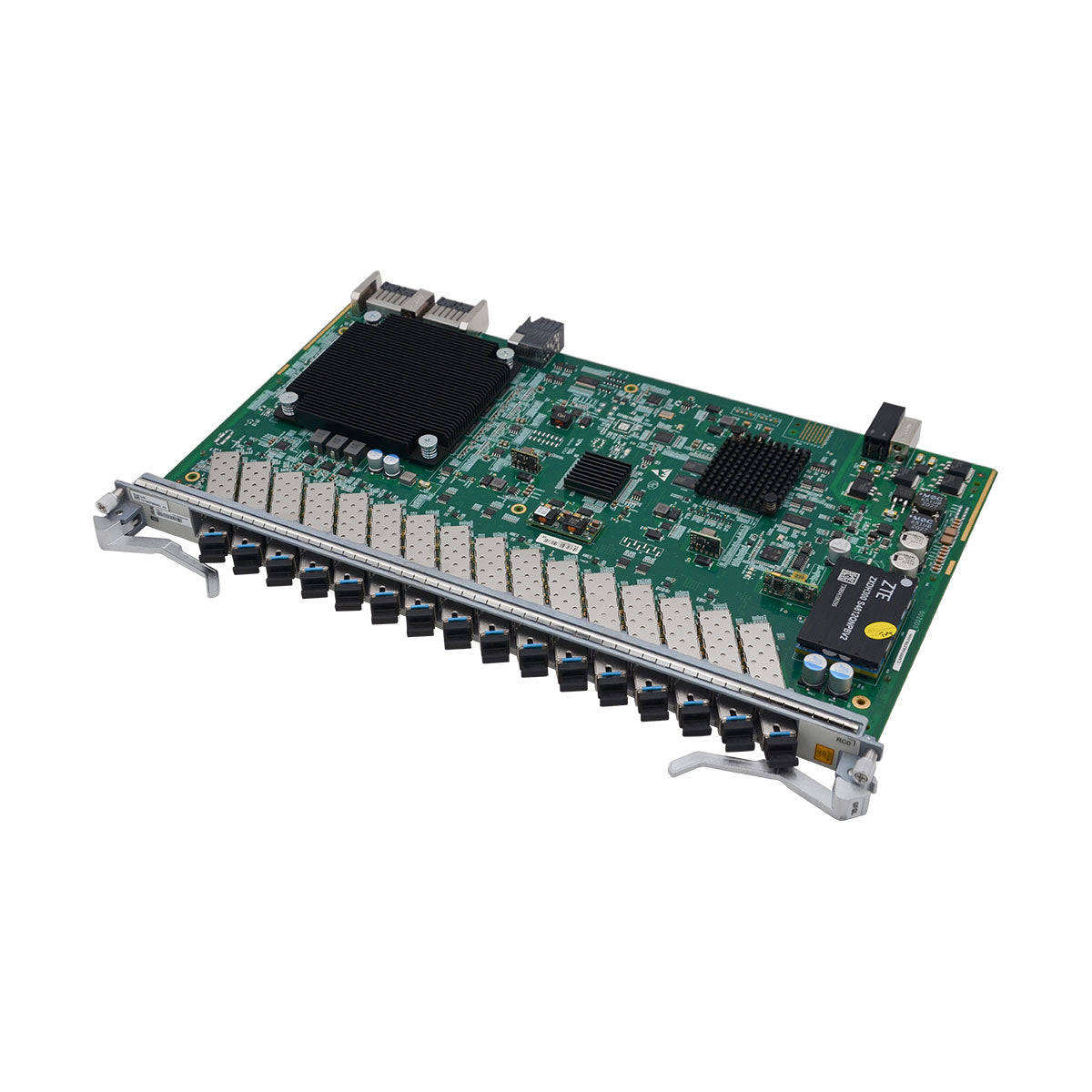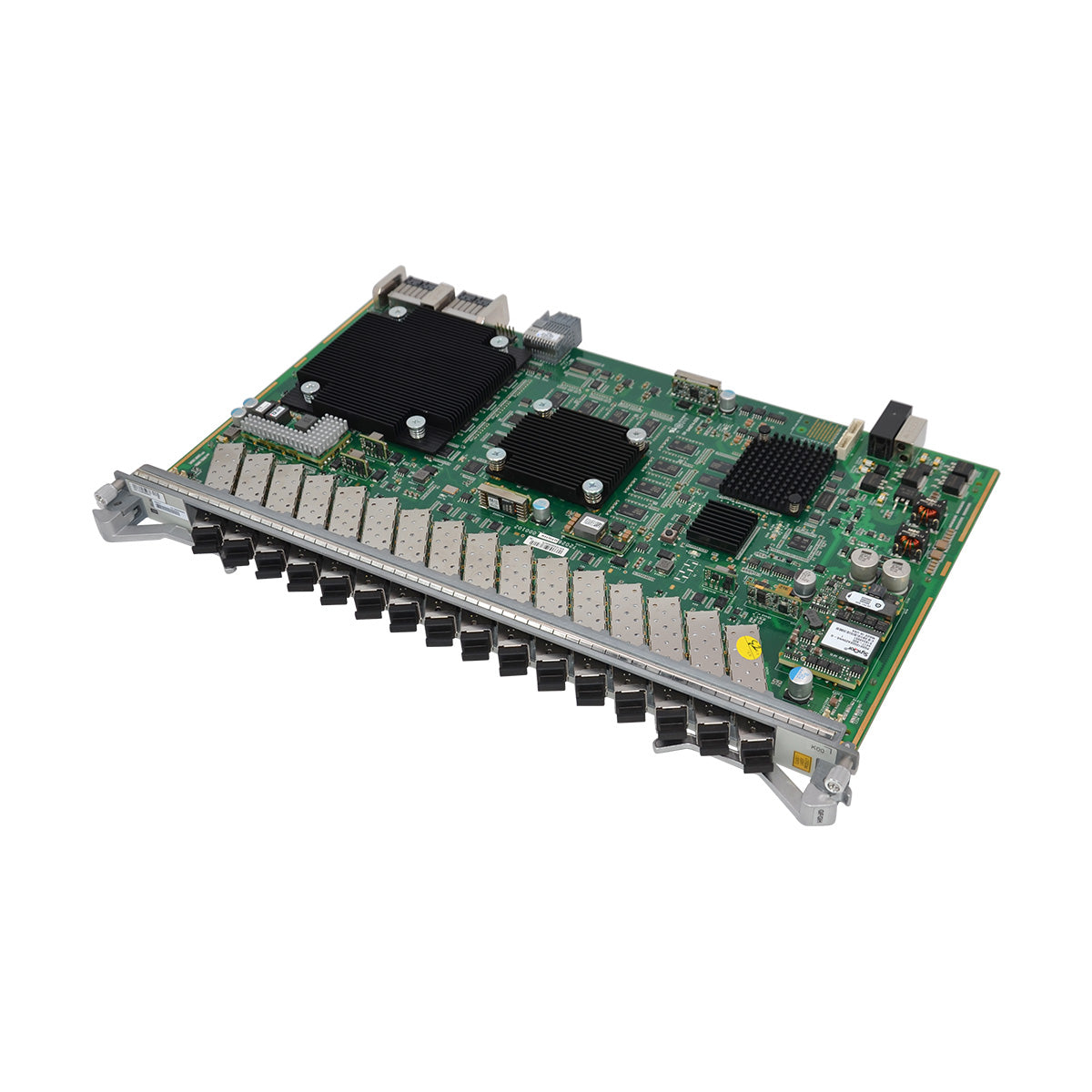




ME0DE4NE8V72 (8-Port 50GBase/4-Port 100GBase-QSFP28 FlexE Flexible Card(BP1T))
| Item | Details |
|---|---|
| Description | 8-Port 50GBase/4-Port 100GBase-QSFP28 FlexE Flexible Card(BP1T) |
| Part Number | 03034CRH |
| Model | ME0DE4NE8V72 |
| Card type | Flexible Card |
| Silkscreen | BP1T-8x50/4x100GBase-QSFP28 |
| Functions and Features | Description |
|---|---|
| Basic function | Supports 400G line-rate forwarding. |
| Reliability and availability | Hot swappable. |
| Restrictions and remarks |
1. Even-numbered ports (0, 2, 4, and 6) can work in 4x10GE breakout/4x25GE breakout/40GE/50GE/100GE mode. The default mode is 50GE. You can run the port-speed command to switch the mode to 50GE or 100GE, or run the port split command to switch the mode to 40GE, 4x10GE breakout, or 4x25GE breakout. Odd-numbered ports (1, 3, 5, and 7) can work only in 50GE mode. 2. If an even-numbered port works in 4x10GE breakout, 4x25GE breakout, 40GE, or 100GE mode, the following odd-numbered 50GE port cannot work. For example: If port 0 works in 4x10GE breakout, 4x25GE breakout, 40GE, or 100GE mode, port 1 cannot work. If port 0 works in 50GE mode, port 1 can work in 50GE mode. Ports 2 and 3, ports 4 and 5, and ports 6 and 7 have similar restrictions. 4. The four 10GE ports split from the same QSFP+ port must work in 10GE LAN mode. The default transmission rate of a port on the subcard is 50 Gbps. If the transmission rate of the used optical module does not match the default port rate, for example, if a 40G optical module is used, run the port split command on the corresponding port to enable port breakout. 5. When the board works with 02312NCX or 02312MLF optical modules, the long-term operating temperature of these optical modules ranges from 0°C to 45°C (32°F to 113°F). 6. For port groups {50GE|100GE port 0, 50GE port 1}, {50GE|100GE port 2, 50GE port 3}, {50GE|100GE port 4, 50GE port 5}, and {50GE|100GE port 6, 50GE port 7}, the two ports in the same group share the 100GE bandwidth. In scenarios where a 100GE module is installed on a 50GE|100GE port that has the switch-mode auto configuration, if the 50GE port is down, it is deleted and the 50GE|100GE port switches to the 100GE mode. If the 50GE port is up, the 50GE|100GE port remains in 50GE mode and an optical module mismatch alarm is reported. If a 50GE module is installed on a 50GE|100GE port, a 50GE port is created and the 50GE|100GE port switches to the 50GE mode. 7. If a 100GE module is installed on port 0 and a 50GE module is installed on port 1, after the device or subcard is reset, the bandwidth effective mode cannot be guaranteed. The same rule applies to other port groups that share 100GE bandwidth. |
| Breakout supported |
Yes. To enable the breakout function on a port, run the port split command. |
| Interface rate auto-sensing supported | No |
| FlexE supported | No |
| MACsec supported | No |
| Functions and Features | Description |
|---|---|
| Basic function | Supports 400G line-rate forwarding. |
| Reliability and availability | Hot swappable. |
| Restrictions and remarks |
1. Even-numbered ports (0, 2, 4, and 6) can work in 4x10GE breakout/4x25GE breakout/40GE/50GE/100GE mode. The default mode is 50GE. You can run the port-speed command to switch the mode to 50GE or 100GE, or run the port split command to switch the mode to 40GE, 4x10GE breakout, or 4x25GE breakout. Odd-numbered ports (1, 3, 5, and 7) can work only in 50GE mode. 2. If an even-numbered port works in 4x10GE breakout, 4x25GE breakout, 40GE, or 100GE mode, the following odd-numbered 50GE port cannot work. For example: If port 0 works in 4x10GE breakout, 4x25GE breakout, 40GE, or 100GE mode, port 1 cannot work. If port 0 works in 50GE mode, port 1 can work in 50GE mode. Ports 2 and 3, ports 4 and 5, and ports 6 and 7 have similar restrictions. 4. The four 10GE ports split from the same QSFP+ port must work in 10GE LAN mode. The default transmission rate of a port on the subcard is 50 Gbps. If the transmission rate of the used optical module does not match the default port rate, for example, if a 40G optical module is used, run the port split command on the corresponding port to enable port breakout. 5. When the board works with 02312NCX or 02312MLF optical modules, the long-term operating temperature of these optical modules ranges from 0°C to 45°C (32°F to 113°F). 6. For port groups {50GE|100GE port 0, 50GE port 1}, {50GE|100GE port 2, 50GE port 3}, {50GE|100GE port 4, 50GE port 5}, and {50GE|100GE port 6, 50GE port 7}, the two ports in the same group share the 100GE bandwidth. In scenarios where a 100GE module is installed on a 50GE|100GE port that has the switch-mode auto configuration, if the 50GE port is down, it is deleted and the 50GE|100GE port switches to the 100GE mode. If the 50GE port is up, the 50GE|100GE port remains in 50GE mode and an optical module mismatch alarm is reported. If a 50GE module is installed on a 50GE|100GE port, a 50GE port is created and the 50GE|100GE port switches to the 50GE mode. 7. If a 100GE module is installed on port 0 and a 50GE module is installed on port 1, after the device or subcard is reset, the bandwidth effective mode cannot be guaranteed. The same rule applies to other port groups that share 100GE bandwidth. |
| Breakout supported |
Yes. To enable the breakout function on a port, run the port split command. |
| Interface rate auto-sensing supported | No |
| FlexE supported | No |
| MACsec supported | No |