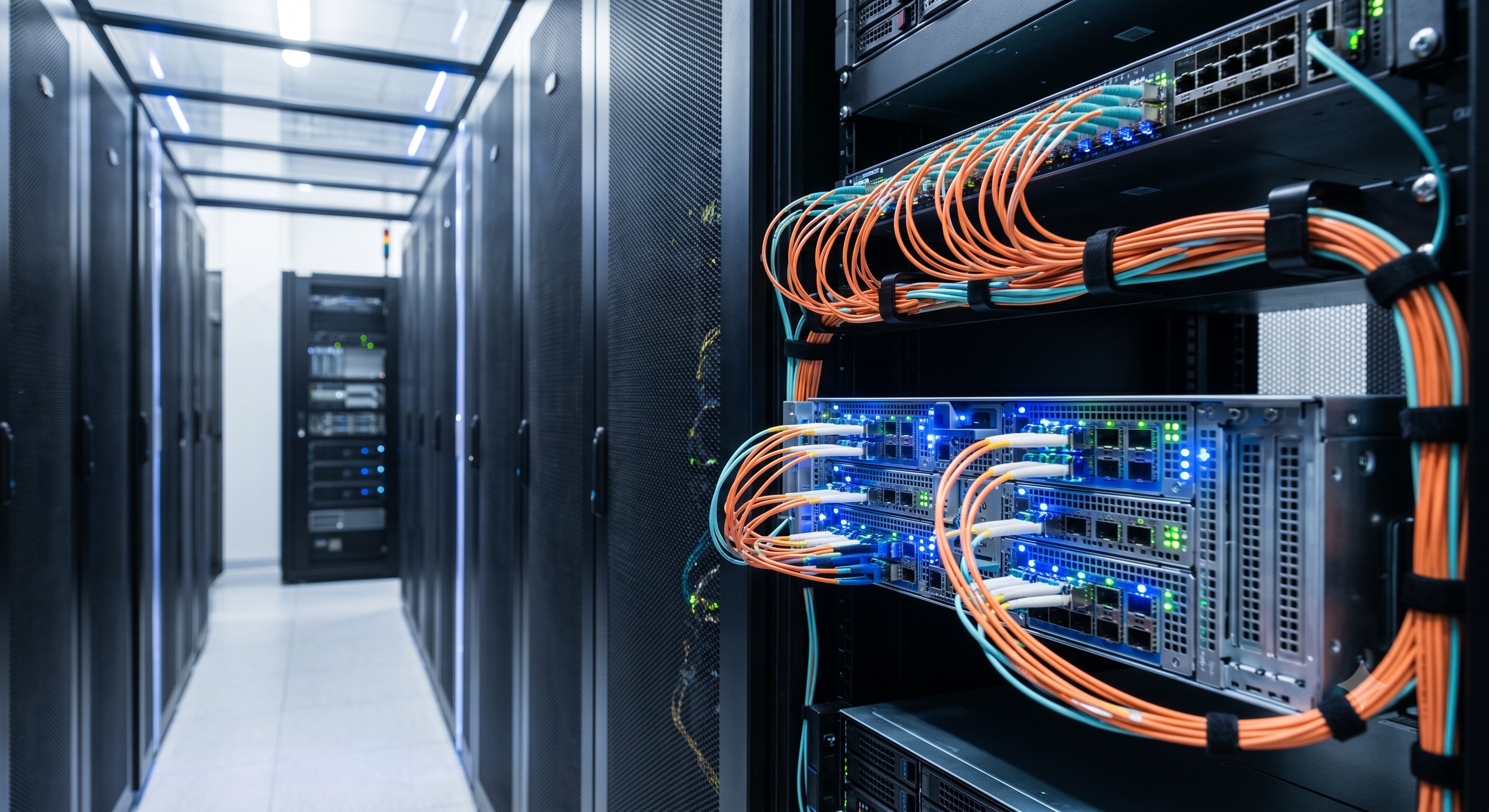
 Overcoming Network Bottlenecks: Enterprise Configuration Manual for server virtualization high density network interface
16 Jun, 2026. Posted by:XPONSHOP
Most Views Posts
Wi-Fi Calling: Seamless Connectivity, Wherever You Are
2026-07-31 16:33:57
Huawei H901CIUA Interface Board External Clock and Alarm Pinout Specifications - Official Technical Overview & Hardware Datasheet
2026-07-15 11:01:39
Deploy Huawei FTTR Network: Fiber to The Room Solution
2025-10-22 08:58:18
Popular Posts
Security Access FAQ: Configuring ACLs, Port Security & MACsec on ONT WAN
2026-08-13 12:02:38
Why Does the Power LED Blink Slowly and Refuse to Boot Up the Internal Operating System? A Carrier-Grade Troubleshooting & Configuration Manual
2026-09-28 10:15:31
Carrier-Grade Routing Reliability: Evaluating Dual-Engine Redundancy in Ensuring Seamless Failover in Core Routing
2026-07-30 10:47:00
CWDM SFP FAQ: Expert Answers to Network Integration & Configuration Questions
2026-08-26 10:03:56
Random Posts
Carrier-Grade Routing Solution Brief: Deploying software defined networking SDN deployment hardware
2026-06-16 15:42:59
Achieving Line-Rate Forwarding: Buffer Allocation and QoS Optimization in Cloud-Managed Network Router Wholesale
2026-05-26 13:49:35
Will 1000BASE-T RJ45 SFP Work in 10G SFP+ Slot? Compatibility & Throughput FAQ
2026-08-20 10:42:45
Recent Posts
AI Optical Transceivers vs. Telecom Optical Transceivers: Two ‘Personalities’ of the Same Component
2026-10-30 11:30:33
Overcoming Network Bottlenecks: Enterprise Configuration Manual for Nintendo Switch NAT Type D Resolution
2026-10-30 10:06:06
Cisco Business 350 Series Managed Switch Physical Security and Power Efficiency - Official Technical Overview & Hardware Datasheet
2026-10-30 10:03:46
About
XponShop blog describes some basics for Huawei / ZTE /
Nokia / FiberHome GPON OLT, ONT, SFP, and Site Power...
such as configurations, issue troubleshooting, knowledge
sharing, and keeps updating.
Recent posts
 AI Optical Transceivers vs. Telecom Optical Transceivers: Two ‘Personalities’ of the Same Component
27 Mar, 2025
 Overcoming Network Bottlenecks: Enterprise Configuration Manual for Nintendo Switch NAT Type D Resolution
27 Mar, 2025
 Cisco Business 350 Series Managed Switch Physical Security and Power Efficiency - Official Technical Overview & Hardware Datasheet
27 Mar, 2025
AI Optical Transceivers vs. Telecom Optical Transceivers: Two ‘Personalities’ of the Same Component
27 Mar, 2025
Overcoming Network Bottlenecks: Enterprise Configuration Manual for Nintendo Switch NAT Type D Resolution
27 Mar, 2025
Cisco Business 350 Series Managed Switch Physical Security and Power Efficiency - Official Technical Overview & Hardware Datasheet
27 Mar, 2025
Products from the blog
Introduction: The High-Density Virtualization Imperative
Enterprise data centers are undergoing a massive transformation driven by server virtualization. As highlighted by industry experts, the shift toward virtualized environments has fundamentally altered network design, with modern virtualization hosts commonly featuring 8, 10, or even 12 network interface cards (NICs), compared to just 2 or 3 in non-virtualized servers . This surge in network interface density creates significant challenges for traditional network architectures, often overwhelming access-layer switches and creating bottlenecks that impede performance.
This configuration manual addresses these challenges head-on, providing enterprise network architects and systems integrators with a comprehensive guide to deploying high-density network interfaces in virtualized environments. By leveraging advanced hardware acceleration technologies and modern switching architectures, organizations can eliminate packet loss, reduce latency, and achieve near line-rate performance for demanding workloads. This guide draws upon extensive industry experience and references key technologies such as Single Root I/O Virtualization (SR-IOV), Intel's advanced Ethernet controllers, and converged Ethernet fabrics to deliver a practical, implementable framework for overcoming network bottlenecks.
Hardware Topology & ASIC Pipeline for High-Density Environments
At the heart of any high-density network interface solution lies the hardware architecture, comprising the host interface (PCIe), the network controller (ASIC), and the physical ports (SFP/QSFP/RJ45). Understanding this pipeline is crucial for optimizing performance.
Host Interface: PCIe Bandwidth Considerations
The host interface is the primary conduit between the network interface and the server's CPU and memory. Modern high-density NICs increasingly utilize PCIe 4.0 x16 interfaces, which provide a theoretical bandwidth of 32 GB/s, sufficient to support line-rate traffic on dual 100Gb ports . Older generations, such as those using PCIe 2.0 x8, offer significantly less bandwidth (4 GB/s) and are more suited for 10GbE deployments . For optimal virtualization performance, engineers should verify that their server's PCIe slots support the required generation and lane count to avoid bandwidth contention. A mismatch here can become the primary bottleneck, regardless of the NIC's capabilities.
Network Controller ASIC: Packet Processing Pipeline
The ASIC (Application-Specific Integrated Circuit) is responsible for processing incoming and outgoing packets. High-performance controllers, such as the Intel Ethernet Controller X710 or the Intel E810-CAM2, offload these tasks from the host CPU, dramatically reducing processor overhead and improving overall system performance . Modern ASICs incorporate advanced features essential for virtualization, including:
Technical Specifications & Performance Metrics
Selecting the right high-density network interface requires a rigorous evaluation of key performance metrics. The following table provides a comparative overview of representative hardware, illustrating the evolution of capabilities:
Packet Forwarding Performance (Mpps) and Latency
Beyond raw bandwidth, two critical metrics define the performance of a high-density network interface: packet forwarding rate (measured in Million packets per second – Mpps) and latency (measured in microseconds). While a 100GbE NIC offers immense bandwidth, its ability to process small packets (e.g., 64-byte frames) at line rate is limited by its ASIC's forwarding capacity. For instance, an Intel E810-based NIC is designed to support line-rate forwarding for all packet sizes, a key requirement for preventing packet drops in high-density environments . Similarly, switches designed for low-latency, like the Lenovo RackSwitch G8124-E, are purpose-built for high-frequency trading and other latency-sensitive applications, prioritizing deterministic, low-jitter performance .
Enterprise Configuration & Optimization
Proper configuration is essential to unlock the full potential of high-density network interfaces. This section provides step-by-step guidance based on industry best practices.
1. BIOS and Firmware Configuration
Before operating system installation, ensure the server's BIOS is configured correctly. Key settings include:
2. Hypervisor Configuration for SR-IOV and vNICs
Modern hypervisors like VMware ESXi, Microsoft Hyper-V, and Linux KVM provide robust support for SR-IOV and hardware offload.
3. Virtual Fabric and Bandwidth Management
Features like Lenovo's Virtual Fabric allow a single physical 10GbE port to be carved into multiple, isolated logical vNICs. This is particularly useful for high-density environments, enabling a single server with two 10GbE ports to provide dedicated bandwidth for management, storage, and data traffic, all while reducing hardware costs and complexity . Quality of Service (QoS) policies should be configured on both the NIC and the hypervisor to enforce bandwidth guarantees and prioritize critical traffic types.
Deployment Scenarios: High-Density Data Center Integration
Integrating high-density network interfaces requires a holistic approach to data center network design, moving beyond traditional three-tier architectures to more flexible, scalable models.
Leaf-Spine Topologies
Traditional core-edge designs often prove inadequate for the dynamic, east-west traffic patterns typical of virtualized environments, where VM migrations can place significant load on the network core. Leaf-spine architectures provide a more suitable framework. In this model, each leaf switch (which serves as the top-of-rack access switch for a rack of servers) connects to every spine switch in a full-mesh topology. This design offers predictable, low-latency performance and enables the network to scale horizontally by simply adding more spine switches. High-density NICs with multiple 10GbE, 25GbE, or 100GbE uplinks are ideal for this role, providing the necessary bandwidth to handle aggregated traffic from multiple VMs .
Oversubscription and Uplink Planning
A critical element of this design is managing oversubscription. With virtualized hosts commonly featuring 8 to 12 NICs, a 48-port access switch can only handle 4-6 such hosts . To accommodate a full rack of servers, additional switches or higher-density solutions are required. Moreover, the uplinks from the access layer to the core must be sized appropriately to handle the aggregate traffic generated by the virtualized workload. For example, a rack with four 10-port servers generating an aggregate 40 Gbps of traffic would require at least two 40GbE or four 25GbE uplinks to avoid oversubscription. Network architects should consider technologies like Ethernet and FCoE consolidation to reduce the total number of physical interfaces and cables required, simplifying management and lowering costs .
Conclusion
Deploying server virtualization high density network interfaces is a strategic imperative for modern enterprises seeking to maximize the performance and ROI of their virtualized infrastructure. By understanding the ASIC pipeline, carefully evaluating key performance metrics, and implementing a modern, scalable network architecture, organizations can overcome the inherent bottlenecks of virtualization. The transition from legacy designs to architectures featuring SR-IOV, Virtual Fabric, and modern 25GbE/100GbE interfaces is not merely a hardware upgrade but a fundamental shift in how enterprise networks are architected and managed. The techniques and hardware configurations described in this manual provide a robust foundation for building high-performance, resilient, and scalable networks ready to meet the demands of today's most critical applications.