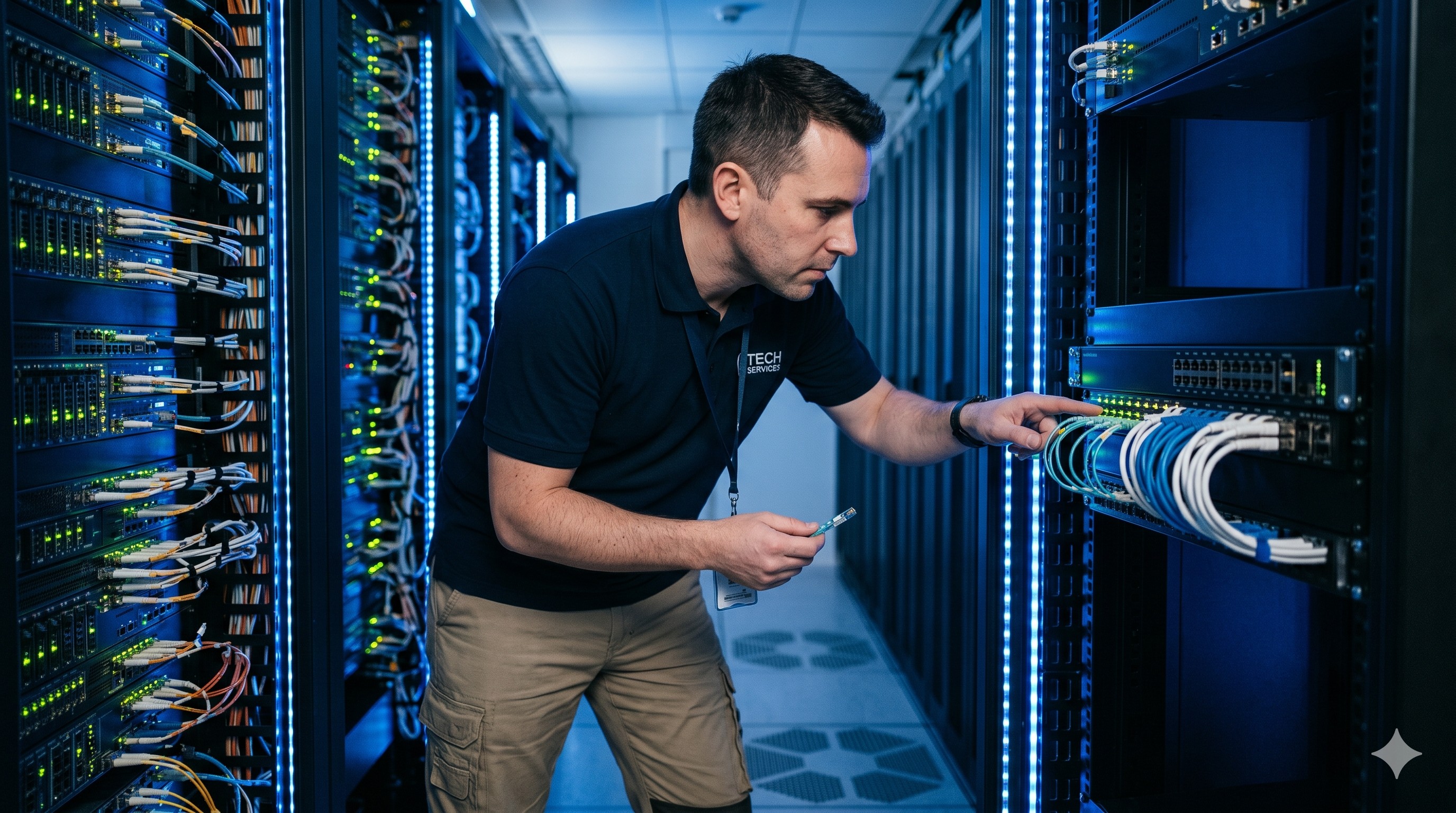
 Troubleshooting MAC Address Table Size 16K 32K: Optical Interfaces, Stacking Errors & L3 Protocols
27 May, 2026. Posted by:XPONSHOP
Most Views Posts
ETP4830-A1 SMU Monitor Module Introduction
2025-10-22 09:00:28
The Ultimate Guide to Discontinued Telecom Equipment (End of Life): Architecture, Backplane Bandwidth, and Deployment
2026-09-14 09:31:30
Troubleshooting Smart TV Streaming: Why High-Bitrate Movies Fail Over ONT 2.4GHz Wi-Fi FAQ
2026-10-29 09:18:47
Popular Posts
SFP vs SFP+ FAQ: Expert Answers to Network Integration & Configuration Questions
2026-06-08 15:40:18
Troubleshooting Cisco Switches: Optical Interfaces, Stacking Errors & Transceiver Compatibility
2026-08-03 10:11:37
Maximizing Core Network ROI: A Total Cost of Ownership Analysis of Sourcing Directly from Asia
2026-08-13 11:59:38
Architecting Next-Generation Networks with the Fiberhome AN6000-17 OLT Chassis
2026-04-16 10:40:49
Technical Support FAQ: Everything Network Architects Ask About FTTH Latency
2026-07-02 13:11:24
Random Posts
The Ultimate Guide to SFP28 and QSFP28 Interfaces: Architecture, Backplane Bandwidth, and Deployment
2026-07-22 10:59:56
Enterprise Core Systems Engineering Reference Manual: how to monitor network bandwidth using sFlow
2026-06-08 15:55:07
Why High-Density Aggregation Switches Outperform Legacy Layer 3 Switches in Enterprise Core Routing
2026-08-13 12:11:12
PDF Document
2026-07-08 09:58:04
Recent Posts
AI Optical Transceivers vs. Telecom Optical Transceivers: Two ‘Personalities’ of the Same Component
2026-10-30 11:30:33
Overcoming Network Bottlenecks: Enterprise Configuration Manual for Nintendo Switch NAT Type D Resolution
2026-10-30 10:06:06
Cisco Business 350 Series Managed Switch Physical Security and Power Efficiency - Official Technical Overview & Hardware Datasheet
2026-10-30 10:03:46
About
XponShop blog describes some basics for Huawei / ZTE /
Nokia / FiberHome GPON OLT, ONT, SFP, and Site Power...
such as configurations, issue troubleshooting, knowledge
sharing, and keeps updating.
Recent posts
 AI Optical Transceivers vs. Telecom Optical Transceivers: Two ‘Personalities’ of the Same Component
27 Mar, 2025
 Overcoming Network Bottlenecks: Enterprise Configuration Manual for Nintendo Switch NAT Type D Resolution
27 Mar, 2025
 Cisco Business 350 Series Managed Switch Physical Security and Power Efficiency - Official Technical Overview & Hardware Datasheet
27 Mar, 2025
AI Optical Transceivers vs. Telecom Optical Transceivers: Two ‘Personalities’ of the Same Component
27 Mar, 2025
Overcoming Network Bottlenecks: Enterprise Configuration Manual for Nintendo Switch NAT Type D Resolution
27 Mar, 2025
Cisco Business 350 Series Managed Switch Physical Security and Power Efficiency - Official Technical Overview & Hardware Datasheet
27 Mar, 2025
Products from the blog
Overview
In B2B networking, the MAC address table size—typically 16K or 32K entries—determines how many unique devices a switch can learn before flooding traffic. Choosing the wrong capacity leads to broadcast storms, packet loss, and core backbone congestion. This FAQ answers both pre-sales and post-sales engineering questions, covering optical module compatibility, maximum throughput, backplane architecture, CLI configuration, stacking interfaces, and redundant power failover. All answers are structured for immediate technical resolution.
Frequently Asked Questions