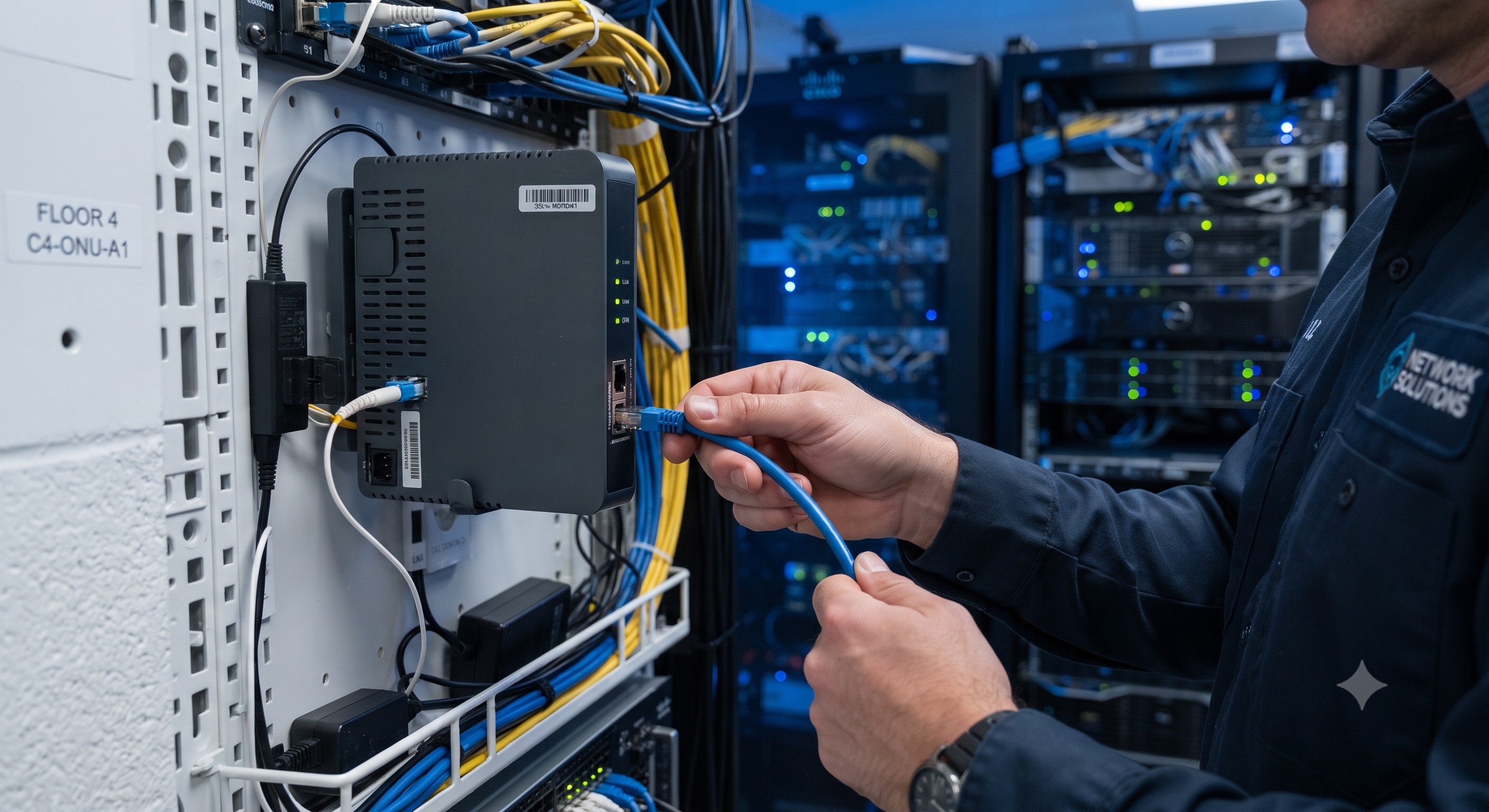
 Technical Support FAQ: Everything Network Architects Ask About WiFi ONUs
29 Jul, 2026. Posted by:XPONSHOP
Most Views Posts
FiberHome OLT AN5516 Command Line VLAN Translation Reference Matrix - Official Technical Overview & Hardware Datasheet
2026-08-24 10:32:52
ZTE SFUK Board Guide: High-Capacity Core for ZXA10 C600/C650
2026-03-11 17:07:05
Calculating Optical Dispersion Limits for 40km Long-Haul 10G SFP+ Transceivers - Official Technical Overview & Hardware Datasheet
2026-08-31 13:20:09
The Ultimate Guide to Top Open-Source Network Monitoring Tools for ISP Hardware: Architecture, Backplane Bandwidth, and Deployment
2026-07-27 10:04:41
Exploring the Basics of EDFA
2025-10-22 09:05:17
Popular Posts
Non-Blocking Switching Engine Capabilities Blueprint: Switch Backplane Non-Blocking Crossbar Architecture Performance Metrics
2026-09-24 09:25:49
Overcoming Network Bottlenecks: Enterprise Configuration Manual for How do I back up user configuration settings into a file before performing a reset?
2026-09-23 09:33:24
ZTE HUVQ Uplink Board Guide: 10GE/GE Specs for C300 OLT
2026-03-19 10:03:43
Random Posts
High-Density Fiber Infrastructure Application Note: FTTH Drop Section Splicing Loss Budget and Fiber Attenuation Standards
2026-09-18 09:19:04
OEM Mini MDU Box Subscriber Capacity and Multi-VLAN Hardware Limits - Official Technical Overview & Hardware Datasheet
2026-07-30 10:39:03
Auto-Adaptive XPON ONU OMCI Register Mapping for Nokia OLT Platforms - Official Technical Overview & Hardware Datasheet
2026-07-06 14:13:33
Deep Dive into the ZTE F668 ONT: Architecting Triple-Play GPON Networks with Integrated CATV
2026-04-30 09:57:18
Fault Case: ME60 Board Unregistered
2026-05-20 11:59:12
Recent Posts
AI Optical Transceivers vs. Telecom Optical Transceivers: Two ‘Personalities’ of the Same Component
2026-10-30 11:30:33
Overcoming Network Bottlenecks: Enterprise Configuration Manual for Nintendo Switch NAT Type D Resolution
2026-10-30 10:06:06
Cisco Business 350 Series Managed Switch Physical Security and Power Efficiency - Official Technical Overview & Hardware Datasheet
2026-10-30 10:03:46
About
XponShop blog describes some basics for Huawei / ZTE /
Nokia / FiberHome GPON OLT, ONT, SFP, and Site Power...
such as configurations, issue troubleshooting, knowledge
sharing, and keeps updating.
Recent posts
 AI Optical Transceivers vs. Telecom Optical Transceivers: Two ‘Personalities’ of the Same Component
27 Mar, 2025
 Overcoming Network Bottlenecks: Enterprise Configuration Manual for Nintendo Switch NAT Type D Resolution
27 Mar, 2025
 Cisco Business 350 Series Managed Switch Physical Security and Power Efficiency - Official Technical Overview & Hardware Datasheet
27 Mar, 2025
AI Optical Transceivers vs. Telecom Optical Transceivers: Two ‘Personalities’ of the Same Component
27 Mar, 2025
Overcoming Network Bottlenecks: Enterprise Configuration Manual for Nintendo Switch NAT Type D Resolution
27 Mar, 2025
Cisco Business 350 Series Managed Switch Physical Security and Power Efficiency - Official Technical Overview & Hardware Datasheet
27 Mar, 2025
Products from the blog
Overview
Welcome to our technical support FAQ for B2B network architects and procurement specialists. This guide provides definitive, expert-level answers to the most critical pre-sales and post-sales questions regarding our alternative WiFi Optical Network Units (ONUs). We address core concerns around seamless integration into existing infrastructure, hardware specifications, and advanced configuration to ensure you have the data needed for a successful deployment.
Frequently Asked Questions